Why Some Faces Can't Be Swapped by AI
slug: why-some-faces-cant-be-swapped-by-ai
Key findings
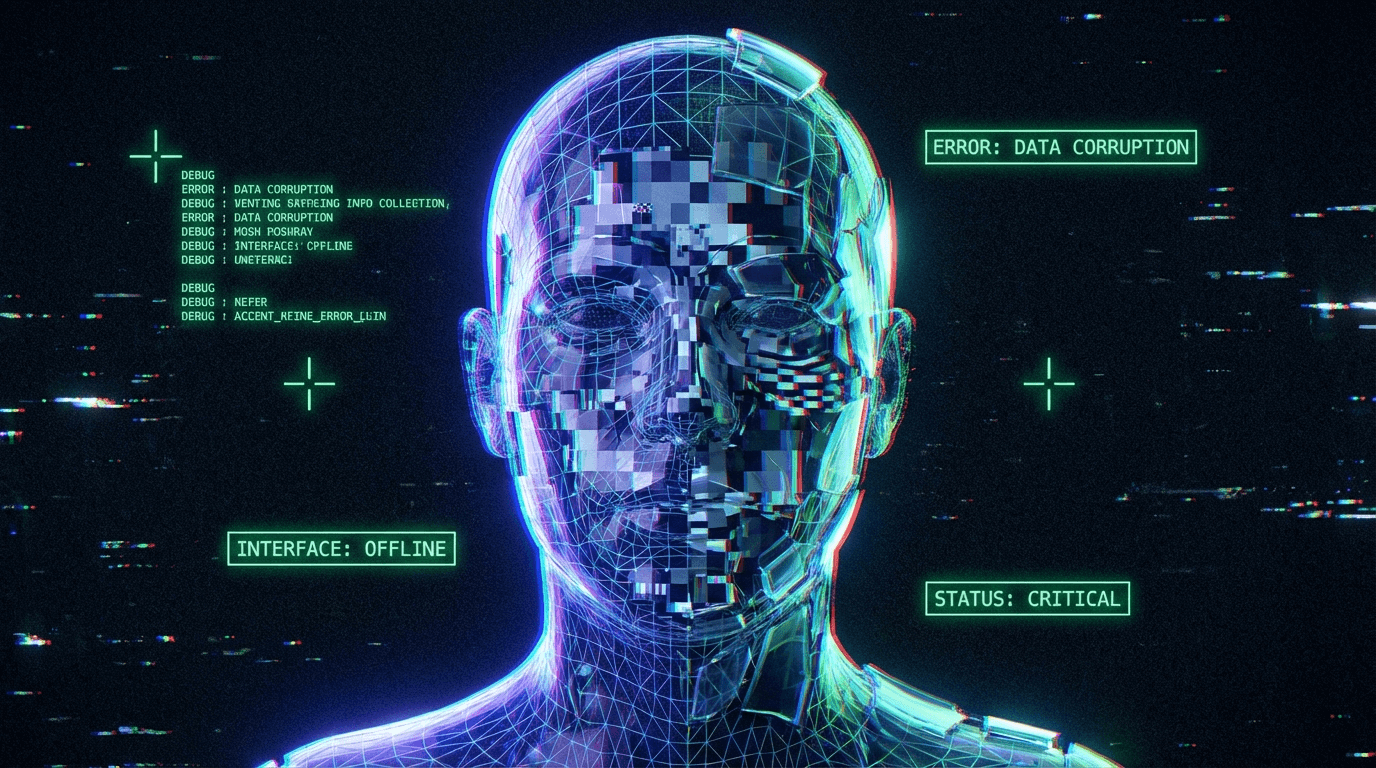
Some faces are effectively "unswappable" for current one-shot face swap systems (like FaceFusion). This is not a random bug, but a predictable limitation of the underlying computer vision pipeline. The process relies on three strictly sequential steps: Face Detection, Landmark Alignment, and Identity Embedding. If the input face falls outside the training distribution of these specific models—such as extreme side profiles, heavy occlusion, non-photorealistic styles (cartoons/statues), or severe motion blur—the pipeline breaks at Step 1 or Step 2, preventing any swap from occurring.
Applicable Scope
This explanation applies primarily to one-shot face swappers based on the inswapper_128 model and common detectors like retinaface or yoloface. It may not fully apply to training-based methods like LoRA or Dreambooth, which can learn new face distributions given enough data.
What the phenomenon looks like
- "Why does the face swap work on one person but ignore the other?"
- "I tried to swap a cartoon/anime character, but nothing happened."
- "The face is clearly visible, but the software says 'No Face Detected'."
- "It works in the preview but fails in the final video for certain angles."
- "Can I swap a face that is looking away from the camera?"
When this problem appears most often
The failure to swap usually happens under these specific visual conditions:
- Extreme Angles (Profile Views): When a face turns beyond ~45-60 degrees (a sharp side profile), most landmark detectors (like
2dfan4) lose track of the necessary 5 key points (eyes, nose, mouth corners). - Non-Photorealistic Inputs: Cartoons, oil paintings, statues, or highly stylized 3D avatars often lack the specific texture gradients that
retinafaceoryolofacewere trained to recognize as "human." - Occlusion: Sunglasses, face masks, hands covering the mouth, or heavy bangs covering eyes can break the contiguous facial structure required for a valid embedding.
- Severe Motion Blur: In video, fast movement smears facial features. If the detector cannot find sharp edges, it skips the frame to avoid swapping onto "ghosting" artifacts.
- Closed Eyes: While sometimes swappable, closed eyes remove critical landmarks, often causing the embedding model to produce a low-confidence score or a "zombie-like" swap.
Why this happens
To understand why a swap fails, you have to look at the "Gatekeeper Pipeline." A face swap isn't a single magic operation; it's a relay race. If the baton drops at any stage, the race ends instantly.
1. The Detector (RetinaFace / YOLOFace)
The first gatekeeper is the Face Detector. Its only job is to draw a box around what it thinks is a human face.
- The Limit: It is trained on datasets of real human faces. It does not "understand" a face; it statistically recognizes patterns of light and shadow.
- The Failure: A cartoon line drawing or a blurry smear doesn't match the mathematical pattern of a face, so the detector returns
0faces. - User Action: Users often try to lower the
face_detector_score(threshold). This tells the detector to be "less picky," which might catch a blurry face but introduces the risk of swapping onto background objects (like a pattern on a shirt).
2. The Aligner (Landmark Extraction)
Once a box is found, the system must locate specific "anchors" (landmarks) to align the standard 128x128 mask.
- The Limit: Standard aligners need 5 visible points: both eyes, the nose tip, and mouth corners.
- The Failure: In a side profile, one eye and one mouth corner might be hidden. The aligner cannot guess the geometry accurately, so the pipeline aborts to prevent a twisted, horrific result.
3. The Embedder (ArcFace / InsightFace)
Finally, the system extracts the "Identity" vector.
- The Limit: The model (often
inswapper_128) expects a normalized, front-facing human face. - The Failure: Even if detection succeeds (e.g., on a statue), the embedder might extract a "weak" identity vector because the texture is stone, not skin. The swap might technically happen, but it won't look like the target person because the "source identity" signal is garbage.
Trade-offs implied
- Sensitivity vs. Stability: Lowering the detection threshold (
face_detector_score) catches more difficult faces (e.g., blurry ones), but drastically increases false positives (swapping faces onto knees, wall outlets, or shirt patterns). - Profile Support vs. Distortion: Using models trained for extreme angles can enable side-profile swaps, but these often look stretched or uncanny because the generative model (
inswapper) is optimized for frontal views.
Frequently asked questions
Q: Is my GPU too weak to detect the face? A: No. Detection failure is almost always a software/model limitation, not a hardware power issue. A stronger GPU just fails faster.
Q: Why can't I swap anime characters?
A: Most generic models (like inswapper_128) are trained exclusively on photorealistic human data. They effectively "blind" themselves to non-human art styles to avoid errors.
Q: Can I train the model to recognize this specific face? A: Not with standard one-shot swappers like FaceFusion's default mode. That requires training a LoRA or a specific checkpoint (Dreambooth), which is a completely different workflow than one-shot swapping.
Q: Why does it work in the preview but not the output? A: Previews often run at lower resolutions or skip certain filtering steps for speed. The final render applies the full pipeline (including strictly enforced detection thresholds), which might reject a borderline face that the preview let slide.
Related phenomena
- Face Alignment Errors Explained – When the face is detected but the swap lands in the wrong place.
- Why AI Face Swaps Can Look Blurry or Soft – When the swap works but quality is low.
- What Face Swap Can and Cannot Replace – Understanding the difference between face identity and head shape.
Final perspective
"Unswappable" faces are rarely a user error; they are the boundaries of the model's training data. Recognizing these limits saves hours of futile parameter tweaking. If the face is blocked, blurry, or non-human, the most efficient fix is usually to change the source footage, not the settings.