Why Video Face Swaps Flicker and Drift
Key findings
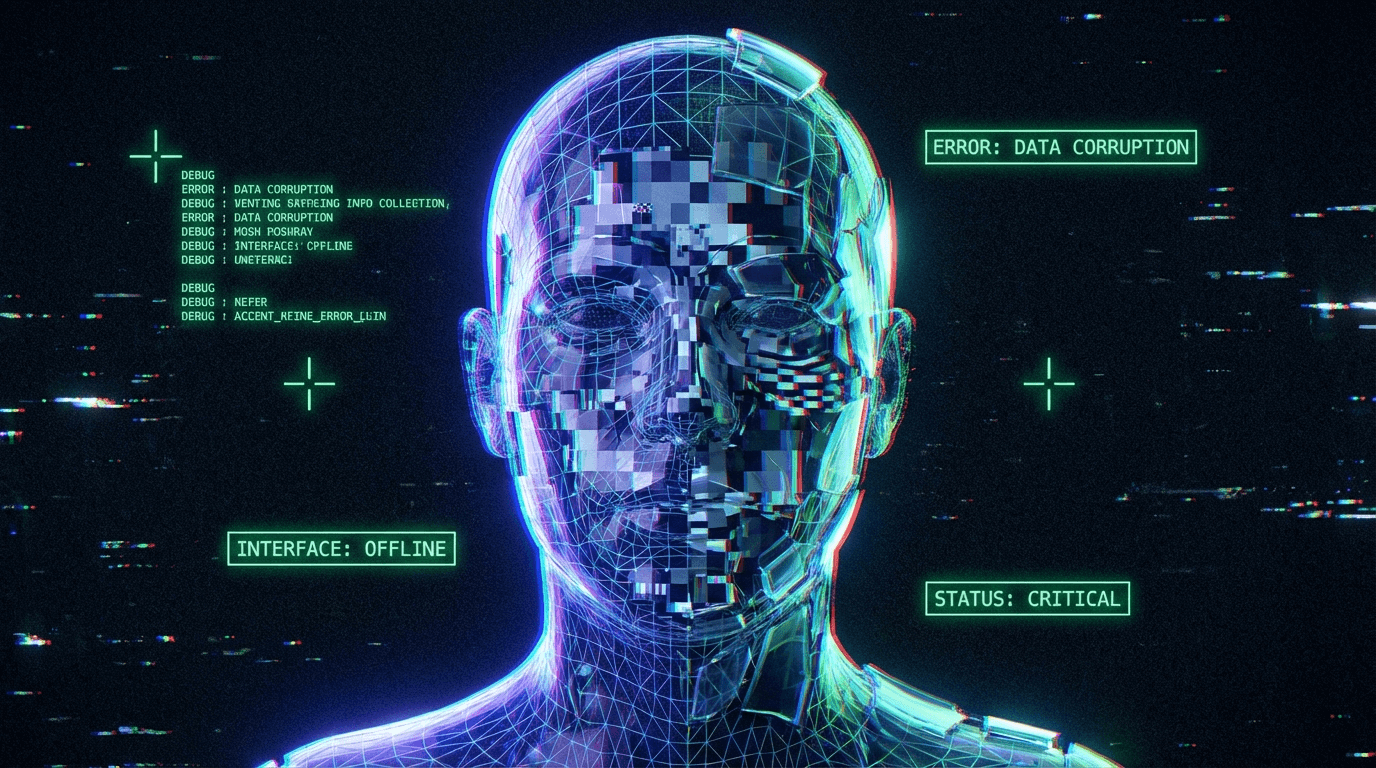
Flickering and drifting in AI face swaps are caused by the frame-independent nature of current one-shot tools (like FaceFusion). The system processes every video frame as a completely new, isolated image, with no "memory" of the previous frame. Small frame-to-frame variations in lighting, face detection bounding boxes, and landmark alignment result in a swapped mask that jitter or shifts slightly 24-30 times per second, creating the visual perception of flickering or drifting.
Applicable Scope
This explanation applies to frame-by-frame one-shot swappers (using inswapper_128, simswap, etc.). It does not fully apply to temporal diffusion models (like SORA or Runway Gen-2) which generate pixels with time-awareness.
What the phenomenon looks like
- "The face looks fine in a photo, but in video, it shakes like crazy."
- "The lighting on the face changes constantly even though the room is static."
- "The swap 'glitches' or flashes the original face for a split second."
- "The jawline seems to vibrate or drift away from the neck."
- "Why does the face look stable until the person turns their head?"
When this problem appears most often
Flicker and drift are most severe under these conditions:
- Low Light / High ISO Noise: Digital noise in the source video causes the face detector to "hallucinate" slightly different bounding boxes for every frame, leading to mask jitter.
- Fast Motion: Motion blur makes landmarks ambiguous. The aligner might guess the eye position is at pixel (100, 100) in frame 1, and (102, 100) in frame 2, causing the swap to "jump."
- Partial Occlusion: Hair strands or hands passing over the face confuse the segmentation mask, causing the swap to briefly toggle off or cut into the occlusion.
- Auto-Exposure Shifts: If the camera's exposure changes (e.g., walking from shadow to sun), the color-matching algorithm recalculates the skin tone for every single frame, often resulting in "strobing" skin colors.
Why this happens
The core issue is Temporal Inconsistency. Humans perceive video as a continuous flow, but the AI sees a stack of 1,000 separate photos.
1. The "Amnesiac" Pipeline
Tools like FaceFusion typically execute the swap pipeline on Frame 1, then clear memory and do Frame 2. They do not check if Frame 2 aligns with Frame 1.
- Result: If the AI decides the nose is 1mm to the left in Frame 2 (due to noise), the nose jumps. At 30fps, these micro-jumps look like vibration.
2. Detection Jitter (The Box Problem)
The face detector (RetinaFace/YOLO) draws a bounding box around the head. This box is never perfectly stable.
- The Mechanism: In a static video, the box might coordinate at
[x:100, y:100]in one frame and[x:101, y:99]in the next. - The Consequence: Since the swap is aligned relative to this box, the entire face mask moves with the box.
3. Mask Flickering
The "Mask" determines where the AI face blends into the original skin.
- The Mechanism: The segmentation model (e.g., BiSeNet) tries to distinguish "skin" from "background."
- The Consequence: In one frame, a shadow on the neck might be classified as "skin." In the next, slightly darker frame, it's classified as "background." The mask shape snaps back and forth, causing the edges of the face to flicker.
Trade-offs implied
- Temporal Smoothing vs. Ghosting: Some tools offer "Optical Flow" or "Temporal Smoothing" options. This averages the face position across 3-5 frames.
- Gain: Reduces high-frequency jitter (vibration).
- Cost: Introduces "ghosting" or trails during fast movement, similar to a low-refresh-rate screen.
- High-Res Enhancing vs. Stability: Using a Face Enhancer (GFPGAN) adds sharp details (pores, eyelashes).
- Gain: Sharper single frames.
- Cost: These hallucinatory details are generated randomly per frame. The pores and wrinkles will "boil" or "crawl" across the skin in motion.
Frequently asked questions (short answers)
Q: Can I fix flickering by getting a better GPU? A: No. A better GPU renders faster, but it runs the exact same "amnesiac" algorithm. The flicker is mathematical, not performance-based.
Q: Does Face Enhancer fix the flicker? A: Usually, it makes it worse. Enhancers hallucinate details independently per frame, creating a "boiling texture" effect on the skin.
Q: Can I fix this in post-production? A: Yes. Video editors (Davinci Resolve, After Effects) have "Deflicker" plugins that are often more effective than the AI swapper's built-in smoothing.
Q: Why does the original face flash sometimes? A: That's a "Detection Drop." The detector failed to find a face for 1-2 frames (due to blur or angle), so the software simply showed the original frame.
Related phenomena (links)
- Why AI Face Swaps Can Look Blurry or Soft – Enhancers cause texture flicker but improve sharpness.
- Face Alignment Errors Explained – When detection jitter causes structural misalignment.
- Why Some Faces Can't Be Swapped by AI – Detection drops cause flashing.
Final perspective
Until real-time "temporal attention" becomes standard in one-shot swappers, flickering is an inherent trait of the technology. The best mitigation is clean source footage (low noise, high shutter speed) rather than hoping for a software switch to fix it.